
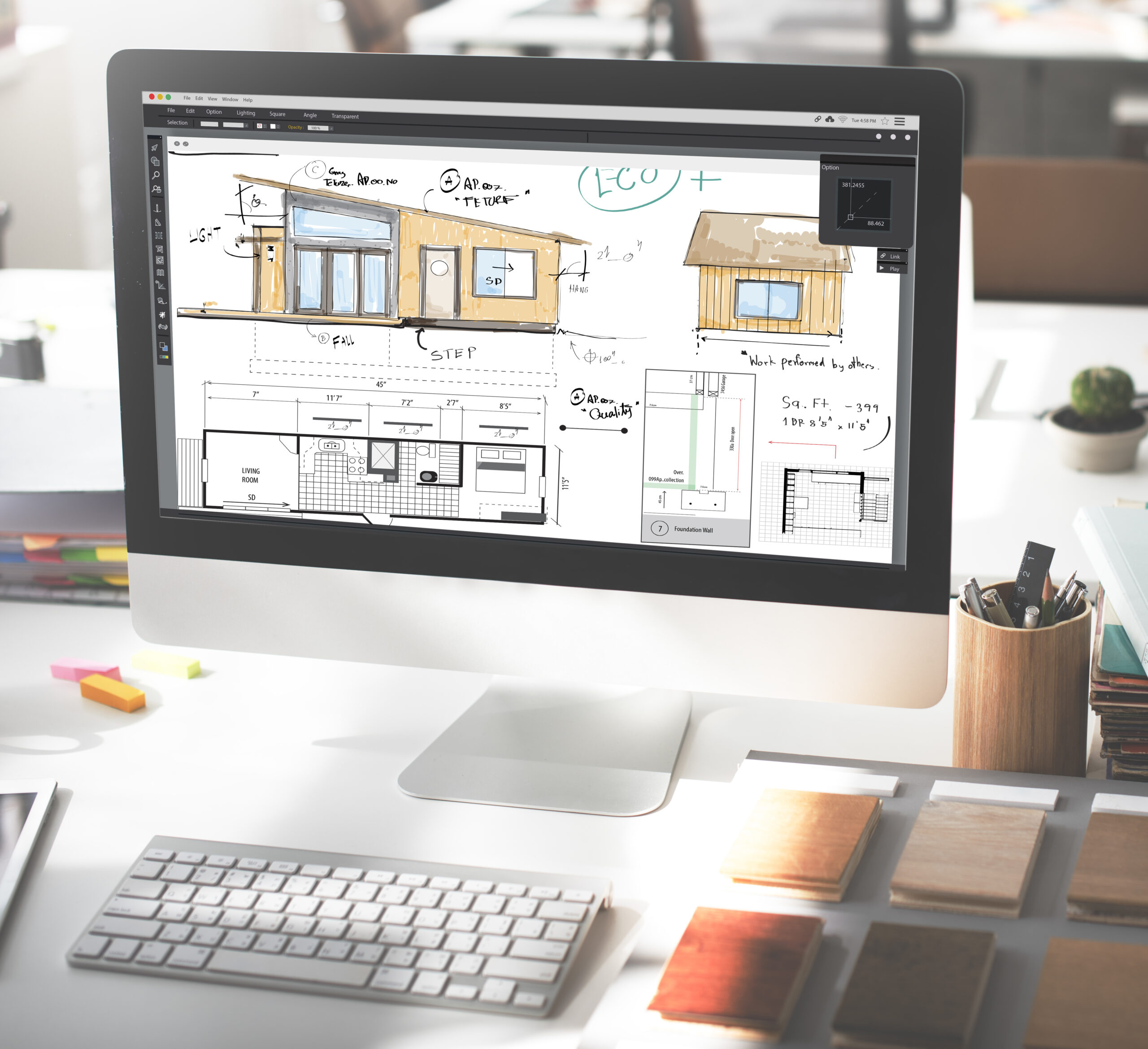
The best AI room design tools in 2026 are Midjourney, ChatGPT, Reviz, Adobe Firefly, Canva, magicplan, Polycam, Pinterest, Houzz, and Coolors. Most are brilliant for ideas and inspiration — but if you want to design and visualize your actual room, to scale, one tool stands out. Here’s how they compare:
| Tool | Best for | Works from | Free to try? |
|---|---|---|---|
| Midjourney | Dreamy concept & style images | Text prompt | Paid |
| ChatGPT | Ideas + quick images | A description | Free tier |
| Reviz | Designing & rendering your real room | Photo, sketch, floor plan, 3D model | Free (no card) |
| Adobe Firefly | Editing a real room photo | Your photo | Free tier |
| Canva | Mood boards & quick visuals | Templates / photos | Free tier |
| magicplan | Measuring & floor plans | Phone camera | Free tier |
| Polycam | 3D-scanning a room | Phone (LiDAR) | Free tier |
| Inspiration & visual search | Search / boards | Free | |
| Houzz | Inspiration + AR preview | Browsing | Free |
| Coolors | Color palettes | Colors / a photo | Free |
AI has quietly changed how a room gets designed. A few years ago you needed software, a floor plan, and patience. Now you can restyle a photo, sketch a layout, pull a palette, or mock up an entire room in minutes. The trick is knowing which tool does which job — because most “AI room design” apps are really good at one step, not the whole thing.
1. Midjourney — for dreamy concept images
If you want gorgeous, aspirational interior images to spark ideas, Midjourney is still the one to beat. Describe a mood — “warm Japandi living room, low light, natural wood” — and it produces striking, magazine-quality visuals in seconds.
The catch: it doesn’t know your room. You can’t give it your real dimensions, keep your walls, or place your actual sofa. Treat it as an inspiration board on demand, not a plan for your space. It’s also subscription-only, with no free tier.
2. ChatGPT — for ideas and quick images
ChatGPT is the easiest place to start if you’re not sure what you want. Describe your room and ask for layout ideas, color schemes, or shopping lists, and it will talk you through options in plain language — then generate a quick concept image to go with them.
It has a free tier and it’s genuinely helpful for brainstorming. But like Midjourney, its images are generic ideas rather than a render of your real room, and it can’t hold an accurate layout.
3. Reviz — for designing and rendering your actual room
This is where AI stops being a toy and starts being useful for your space. Reviz is a dedicated AI design workspace: you can start from a photo of your room, a rough sketch, a floor plan, or a 3D model, and get a photorealistic render in minutes — while it keeps your real walls and layout instead of inventing new ones.
What sets it apart from the image tools above is that it also includes a 2D/3D planner. You can draw a simple layout, place furniture — including your own pieces — swap materials and colors, and actually see how everything fits, not just how it looks. A built-in chat assistant lets you make changes in plain language (“paint the floor oak,” “add a window,” “render this in a warmer style”), and Magic Edit lets you change just one part of an image — say, only the sofa — without redoing the whole scene.
It’s the most complete option here for going from “I have a room” to “here’s exactly what it could look like.” And it’s free to start with no credit card, so you can test it on your own space before spending anything.
Best for: anyone who wants to redesign a real room — restyle it, plan the layout, and see a realistic render — rather than just collect pretty pictures. Try it free at reviz.design.
4. Adobe Firefly — for editing a real room photo
Firefly (and Photoshop’s Generative Fill, which uses it) is the fastest way to tweak a photo of your actual room. Remove clutter, erase a piece of furniture, change a wall, or drop in a new element — all by selecting an area and describing the change. There’s a free tier to get started.
It’s photo editing, not a full room designer: it edits the image you have rather than planning a layout, but for quick “what if we removed that?” edits it’s excellent.
5. Canva — for mood boards and quick visuals
Canva’s Magic Studio is the beginner-friendly pick. It’s perfect for pulling inspiration into a mood board, combining photos and swatches, adding AI-generated images, and sharing a clean concept with a partner or client. The free tier covers most home projects.
It’s a design-and-layout tool for boards, not for your room in 3D — but as a place to gather and present ideas, it’s hard to beat.
6. magicplan — for measuring and floor plans
Before you design, you often need an accurate plan — and magicplan lets you create one just by walking around the room with your phone. It captures dimensions and produces a clean, editable floor plan, which you can then use in other tools. There’s a free tier for basic plans.
7. Polycam — for 3D-scanning a room
If your phone has a LiDAR sensor, Polycam can scan an entire room into a 3D model in a couple of minutes. It’s a great way to capture an accurate base of your real space — handy when you want your design to match reality, not a guess. A free tier is available.
8. Pinterest — for inspiration and visual search
Still the classic starting point. Pinterest’s AI-powered visual search and boards make it easy to gather a look, spot recurring styles you love, and find similar products from a single image. Free, endless, and the best way to figure out what you actually want before you design it.
9. Houzz — for inspiration plus AR preview
Houzz pairs a huge library of real-home photos with a “View in My Room” AR feature, so you can preview furniture and decor in your actual space through your phone. It’s inspiration and a light “will it fit the vibe?” check in one free app.
10. Coolors — for color palettes
Color makes or breaks a room, and Coolors generates harmonious palettes in seconds — or pulls a scheme straight out of a photo you love. It’s a tiny, free tool that quietly solves one of the hardest parts of any redesign.
How to choose the right AI tool for your room
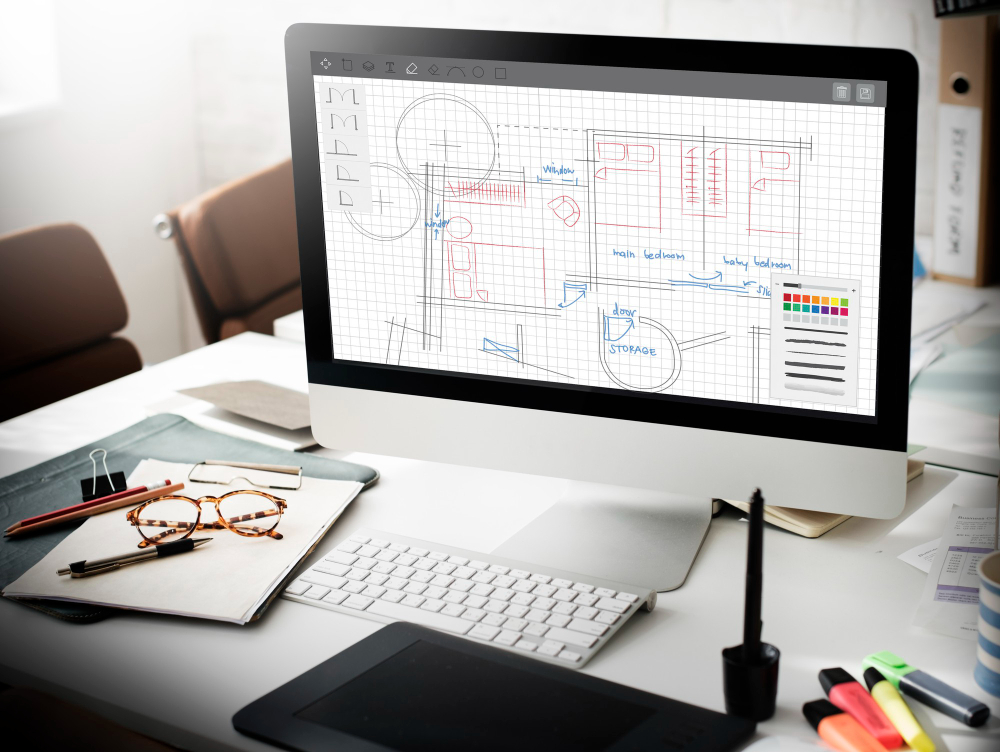
Match the tool to your step. For inspiration, start with Pinterest, Houzz, or Midjourney. To capture your real space, use magicplan or Polycam. To set the mood, Canva for boards and Coolors for color.
But when you’re ready to actually design your room — real layout, real furniture, to scale, with a render you can trust — a dedicated tool does the most in one place. That’s why Reviz sits at the heart of this list: it’s the one that turns your photo, sketch, or floor plan into a finished, realistic room, instead of a pretty picture of someone else’s.
Frequently asked questions
What is the best free AI room design app?
Several are free to start. Reviz is free with no credit card and lets you design and render your actual room; Canva and Pinterest are free for mood boards and inspiration; Coolors is free for color palettes. For most home projects you can get surprisingly far without paying.
Can AI design my room from a photo?
Yes. Tools like Reviz and Adobe Firefly work directly from a photo of your real room. Reviz goes further — it can keep your existing layout and let you place real furniture to scale, so the result matches your actual space rather than a generic image.
Is there an AI that plans a room layout, not just images?
Most AI tools only generate images. Reviz is the exception here: it includes a 2D/3D planner, so you can lay out furniture, check how it fits, and then render the room — all in one place.
Do I need design or 3D skills to use these tools?
No. They’re built for beginners. You can start from a photo, a written description, or by drawing a simple plan — no CAD, 3D modeling, or design background required.
The bottom line
AI won’t replace your taste, but it makes trying ideas almost free. Start with whatever fits your step — inspiration, measuring, or a full redesign — and lean on the tool built for each job. And if you want to see your real room transformed, to scale and in minutes, Reviz is the most complete place to begin.


